

How easy is it to get started with Famly?
Switching to Famly is simple for directors, teachers, and parents

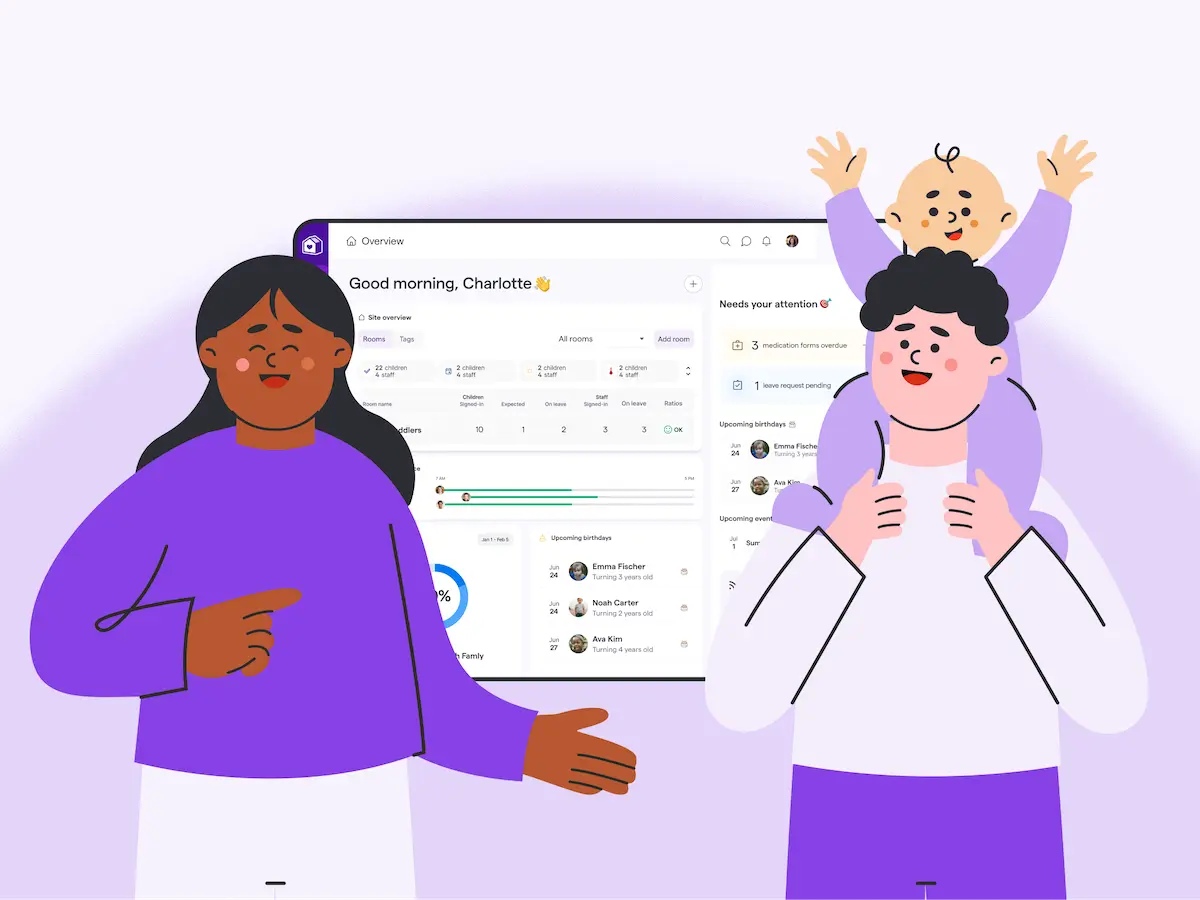
We get it. Finding and rolling out a new childcare management software in your center can feel like a daunting task.
“How will I find the time to move all the information across?”, “Will my team be able to learn to use it?” and “What about the parents?” are all concerns we frequently hear here at Famly. Luckily, we know our customers don’t need to worry about any of that.
Onboarding to Famly is so quick and seamless, you’ll be up and running before you can say, “Why didn’t we do this sooner?”
It all starts with our outstanding team…
What is the support like with Famly?
Just as your children and families are your priority, you are ours. We want you to feel supported right from your first interactions with us. Whether you’re visiting our website for the first time to look for a new platform, or a Famly veteran who’s been with us for years, our support team is always on hand to help you out.
And, because we know that every customer has their own unique needs, you can get in contact with Famly in the way that suits you best:
- Via email
- Via live chat
- Via phone
- You could even pop by any of our global offices
“The help with the onboarding made a huge difference for us because that’s just so much work, and it’s so hard on our end to piece-by-piece do everything...I can’t even tell you how that was huge for [our office manager]…’I can breathe, I can breathe,’ she kept saying. I’m not exaggerating that. She was very, very happy, and she mentioned it so many times. That made a big difference for her...It’s a bigger deal on our end than maybe y’all even realize.”
Caren Crow, Director, Angel Land Preschool
When asked how their experience was with working with Famly’s support, our customers awarded us an average satisfaction score of an incredible 96.3%
How fast can I onboard to Famly?
Once you’ve made the decision to join the Famly family, the next step is getting you onboard. Luckily, with over 1 million users globally, we’ve got the process down to a fine art.

“Onboarding was great, I mean, what was done for me…‘we’ll take this’ and ‘we’ll do that for you, just send me the kids, their information, and we’ll take care of that.’ Just that alone, if it had been nothing else, that alone was worth everything. That cut down literally hours of time that it would take for me to input things that y'all put in for me… to have it set up to go. That was tremendous.”
Julia Mason, Office Manager, Angel Land Preschool
New customers typically spend only 4 weeks in onboarding, where a dedicated specialist supports them with every stage of getting set up. Having a clear plan for getting you up and running means you can relax and feel confident that everything’s taken care of. And, if you have any questions between calls, you have a familiar face to reach out - just in case!
Curious about how that might look? Here are the average steps from signing to confidently using the platform in your center.
Step 1: You export your children’s data from your old platform and send it to us. We upload everything while you relax.
Step 2: Join your first launch call with your dedicated onboarding specialist. We help you get your sessions, pricing, and packages set up in Famly.
Step 3: You invite your parents and carers to join Famly
Step 4: Join launch call number 2, where your dedicated onboarding specialist helps you get everything in place to manage your finances in Famly. You send your first invoices
Step 5: Your center receives your first tuition payments in Famly
Step 6: You start tracking attendance
Step 7: You get your accident reports, medication forms, and immunization records in place
Remember, you have someone at the end of the phone or available via the in-app chat, every step of the way. You may also choose to host a training for your staff led by one of our amazing onboarding specialists. They’ll walk through the steps your team needs to take to feel confident and efficient in Famly.
“It’s been incredibly easy to roll out, so much easier than we anticipated – probably we wouldn’t have taken so long to make our decision had we known.”
Olivia Foley, Director, Hungry Caterpillar Day Nurseries
Learning to use the platform
Famly is created for ease-of use, with familiar features like the Newsfeed, and a clear, clean design. Plus, our help center is packed with over 200 articles and videos to help you out, so even the most tech-phobic person can be successful with Famly.
“It was just so easy to use, I whizzed through it. It was just so straightforward and logical. I’m not particularly technical either, but if I can work it out, anybody can!”
Teresa Niell, Administration Manager, Blackberry Lane Preschool and Nursery
Got stuck? There’s always help right there in the app. From the handy “What’s this?” button to our live chat, you’ll be on your way again in no time.
“I’m not very technically-minded, but we were able to do so much of it ourselves. It was quicker than we thought too."
Debbie, Manager, Blackberry Lane Preschool and Nursery
What is the parent experience like in Famly?
Here at Famly, we know that the relationship between parents and their children’s early childhood center is not the same as any other business-client relationship. Of course, your families are your customers, but the trust they place in you to nurture and care for the most precious thing in their world can’t be understated. That’s why Famly is designed for parents, too.
The reassurance of a photo shared to the Newsfeed of their child having fun, the sigh of relief when they see that their child ate all their lunch today (in real time), and the joy of a workday peppered with little updates about how their child is thriving - it builds trust in you and keeps parents happy with the care you provide. And, with invoicing and payments transparently completed in-app too, there’s more time at pick-up to talk about their child’s day, and less time spent on admin.
“Famly helps us keep parents more connected with their child, and to share more of their day. The live Newsfeed connected us in a way we never could have before. It really makes parents and caregivers a part of the whole equation, which is good for everybody.”
Candice Chouinard, Owner and Director, Wild Garden of Childhood Nursery
But won’t I have to just spend time teaching all the parents how to use Famly when we roll it out?
Nope, we’ve thought of that too.
Parents have their very own section of the help center, with frequently asked questions and top tips for getting the most out of the app. And, if you use our live translation feature, parents can receive all your communication in their home language.
“Parents just want things easier. I’ve had so many parents say, ‘This has been a game-changer. This has been wonderful.’”
Shelley Beckman, Director, Reynolda Preschool


.jpg)
Try before you buy
Try every Famly feature, see what you like, and invite your staff. No commitment, no credit cards. Just a 2-week free trial.
Start free trial
